
FOR SERVICE BUSINESSES GENERATING NEW WEB ENQUIRIES
New enquiries shouldn’t wait until you’re free. Hear Voco make the first call for your business.
Voco is an AI voice worker that calls new web enquiries, finds out what they need and arranges the next step. Add your website and answer a few questions. Voco uses that context to prepare your personalised audition, then calls your phone. You play the customer, ask about your real services and decide whether you’d trust it with that first conversation.
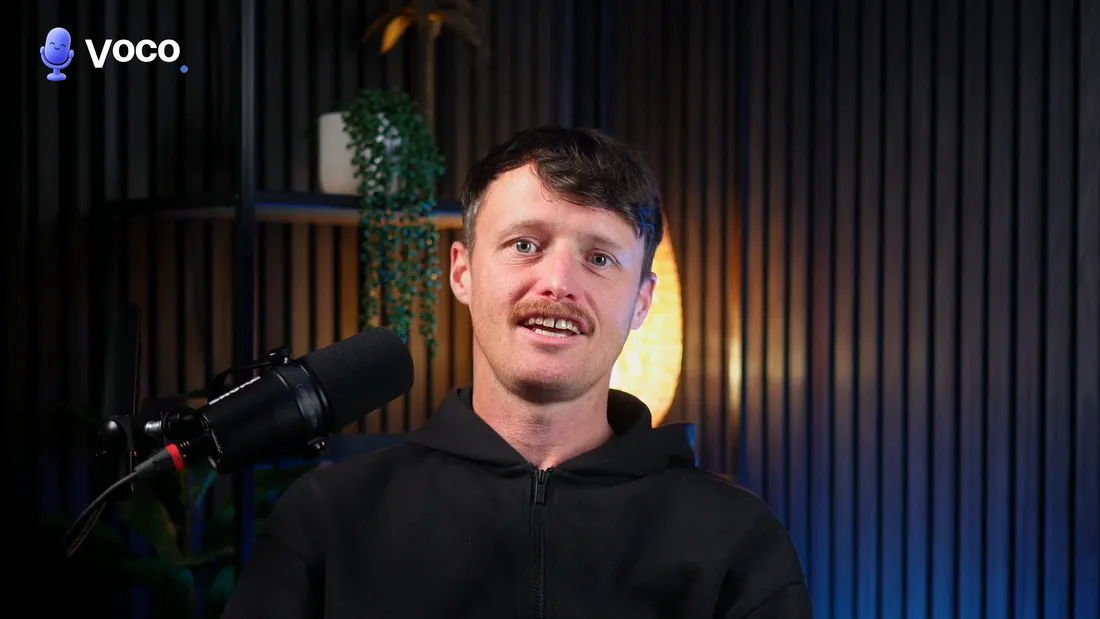
Next step: Answer a few quick questions to prepare your personalised Voco audition.
How the Demo Works
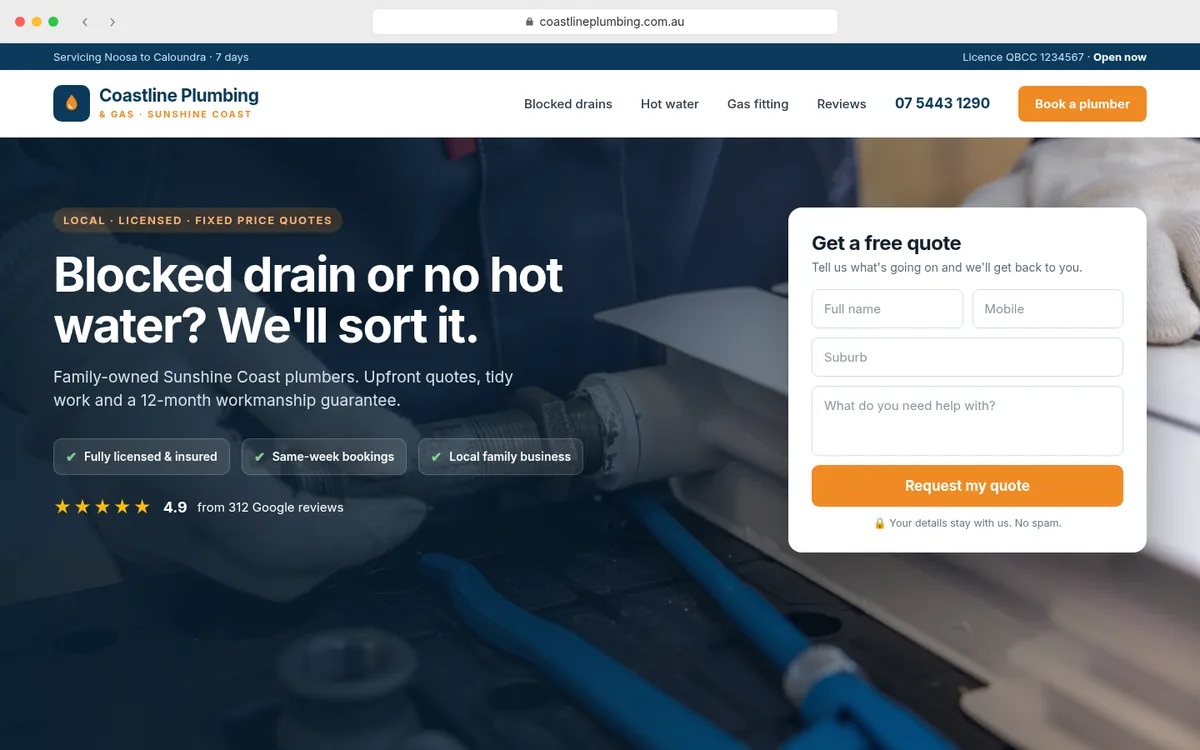
Your Website
Voco learns your business
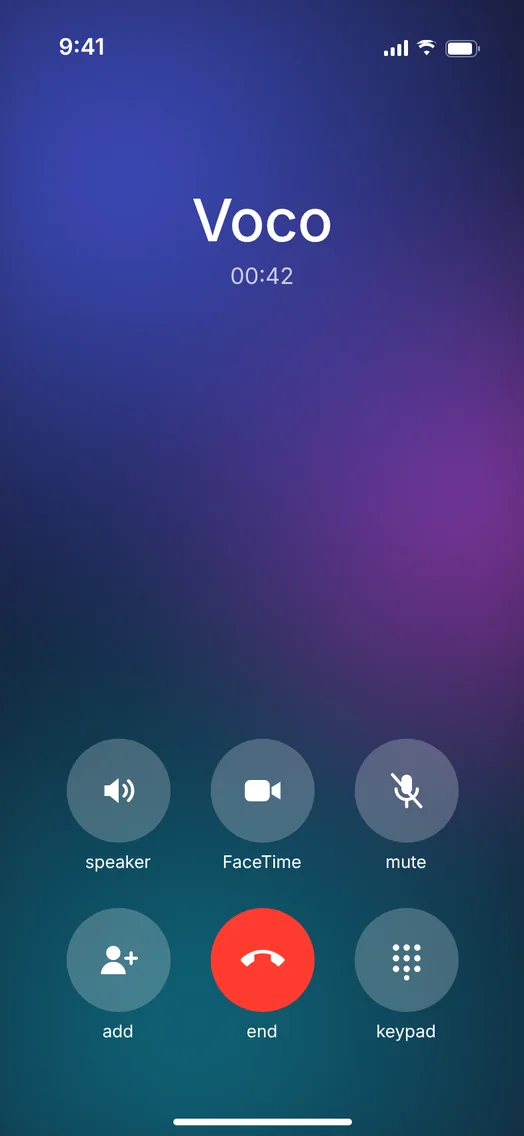
Your Live Audition
What business owners say about working with Voco.
BEFORE YOU TRY IT
Your questions, answered.
Know what to expect. Then hear it for yourself.
What happens when I request a demo?
Answer a few questions about your current follow-up, add your website, then enter your phone details on the next screen. Voco uses that context to prepare a worker you can audition on your own phone.
Is this a live conversation or a recording?
It is a live test call. Speak as though you are a new enquiry: ask about your services, interrupt, ask a follow-up question, or raise an objection. Hear how Voco responds for yourself.
Do I need to buy anything to try it?
No. The audition lets you experience Voco before spending a dollar. If you want it working in your business afterwards, the team can discuss installation and ongoing service with you.
Will it sound robotic?
That is exactly what the demo is for. Listen to the voice, the pauses and how it responds to an unexpected question. Decide whether you would be comfortable having it represent your business.
How does Voco learn about my business?
The demo starts with your website and the answers you provide. For a live installation, your service information, qualification questions and business rules shape how the worker handles enquiries.
What should I ask during the demo?
Play your toughest customer. Ask about service areas, scope, pricing or timing. Try a price objection or change direction mid-conversation. Use the call to judge how it handles a real enquiry.
Will the demo call my customers?
The audition takes place on the phone number you provide for your own test. Connecting Voco to your customer enquiries is part of a separate installation.
Do I need to be technical?
You can start the demo by answering the form and adding your website. If you decide to move forward, Vertical AI handles the installation and configuration with you.
Can it qualify enquiries before my team takes over?
Yes. Qualification is part of the speed-to-lead job described in the video: asking about needs, scope, location or budget so the next sales step has useful context. Your questions and handoff rules are agreed during setup.
Will it work with my CRM or booking system?
The VSL describes connections to tools such as GoHighLevel, ServiceM8 and Calendly, alongside CRM webhooks. The team will confirm your specific tools, permissions and workflow before an installation.
Is this replacing my sales team?
The job here is the first response and initial qualification. Voco keeps that work moving while your team focuses on the conversations and decisions that need them.
Does it guarantee more sales?
The demo demonstrates the conversation, not a guaranteed sales result. Your lead quality, offer and sales process still matter. Start by hearing whether Voco can handle the first-response job for your business.
What happens after I try it?
If it looks like a fit, you can discuss a done-for-you installation with Vertical AI. The next conversation covers your workflow, tools and commercial terms. Your first step here is simply to audition the worker.